
Licence and Pro key
What the two keys unlock is in Licensing: Core and Pro. This page is how to install and renew them.
The deployment licence
There is no licence key to copy. The server connects itself to your organization at app.joobq.io, in one of three ways.
From the setup page (device code).
- Start the server with a volume at
/data(see Self-hosted server). Until it has a licence it prints a one-time setup code in its log ("JoobQ is not set up yet ...") and serves a setup page. - Open the server, enter the setup code, enter its public address (
https://...) and choose Sign in with JoobQ. The page shows a short code such asWDJB-MJHT(it is printed in the server's log too) and an Open JoobQ button. - At app.joobq.io, as an admin of an organization with a paid self-hosted licence, open Connect a server (the button does it for you), check the server's name, address and the address the request came from, and choose Approve. The server fetches its licence itself within a few seconds and keeps it, encrypted, in
/data, with a key of its own that signs its check-ins. If the organization already has an active server at that address, the button reads Approve and reconnect: once this server has fetched its licence, the old one stops being licensed (its Pro key stops too). A code that is not approved, or approved but never collected, changes nothing. - Check it:
./joobqui license:statusprintseligible,status,tier, the seats,sso_allowedandpaid_untilas JSON and exits with status 0 when the deployment is eligible, 1 otherwise.
Only approve a code your own server is showing you
Approving a code connects whichever server asked for it to your organization. Never approve a code someone sent you. Every connect is mailed to all admins of the organization; if one is not yours, disable it on the licensing page.
The browser does not need to reach the server for this, only the server needs to reach app.joobq.io. The code expires after 10 minutes; Get a new code starts again.
To disconnect a server: ./joobqui disconnect --yes disables it on the portal and removes its licence (or an admin disables it on the licensing page). If the portal no longer accepts the server's credentials (it was disabled or replaced already), --force removes the licence from the server anyway.
From a terminal, when no browser can open the server: ./joobqui connect --url https://jobs.example.com (in the container: docker compose ... exec app ./joobqui connect --url ...) prints the code and the link, waits until an admin approved it and saves the licence. --reconnect connects a server that already has a licence again.
Unattended, with an enrollment token. On the portal's Deployments & licensing page, an admin creates an enrollment token (optionally for one address, valid 24 hours and once by default). Start the server with JOOBQUI_ENROLLMENT_TOKEN (or JOOBQUI_ENROLLMENT_TOKEN_FILE) and JOOBQUI_PUBLIC_URL: it connects itself before it starts, with no sign-in. With DATABASE_URL and the Redis settings in the environment too, no setup page is shown at all. The token is a secret: pass it as a secret, not in a command line or a committed file, and remove it once the server is connected (it is spent anyway). A token that does not work stops the server with one line when JOOBQUI_SETUP=off, otherwise the setup page opens and says why. Revoke an unused token on the same page.
The server checks in with the portal every 15 minutes to renew the licence; ./joobqui license:refresh checks in now (and is audited as license.refresh). If the portal cannot be reached, a paid period is not ended for up to 7 days after the last successful check-in. To disconnect a server, an admin of the organization disables it on the portal's licensing page.
Back up /data with the database. It holds the licence and the secrets the server generated (two-factor secrets, notification-channel secrets, payload sealing keys). If it is lost, start the server and connect it again to get a licence; the generated secrets cannot be recovered.
When it lapses, the console's operations routes of /api/v1 (not sign-in, accounts, tokens, /api/v1/license, /api/v1/capabilities or /api/v1/openapi.json) and /metrics answer 402 paid_license_required. The SDK gateway (/api/v1/sdk/*) keeps serving, so workers and producers keep running jobs and workflows. Renew in the portal, then run license:refresh or wait for the next check-in.
The JoobQ Pro key
A licensed deployment gets its paid Pro key when it checks in, and the server uses it for the engine. A Pro key works only for the deployment and organization it was issued to: a key from another organization, or another deployment's paid key, is ignored and the server logs a line.
joobqui-selfhosted --workerprocesses get the key from the web process, which keeps the current one in Redis; they look for it every minute until they have one, then every 15 minutes. Run workers with the same/datavolume and environment as the web process: without the saved licence a worker runs Core only.- A key set by hand in
JOOBQ_PRO_LICENSE(orJOOBQ_PRO_LICENSE_FILE) is used only if it belongs to the licence, which in practice means your organization's trial key. You rarely need it: the paid key arrives by itself.
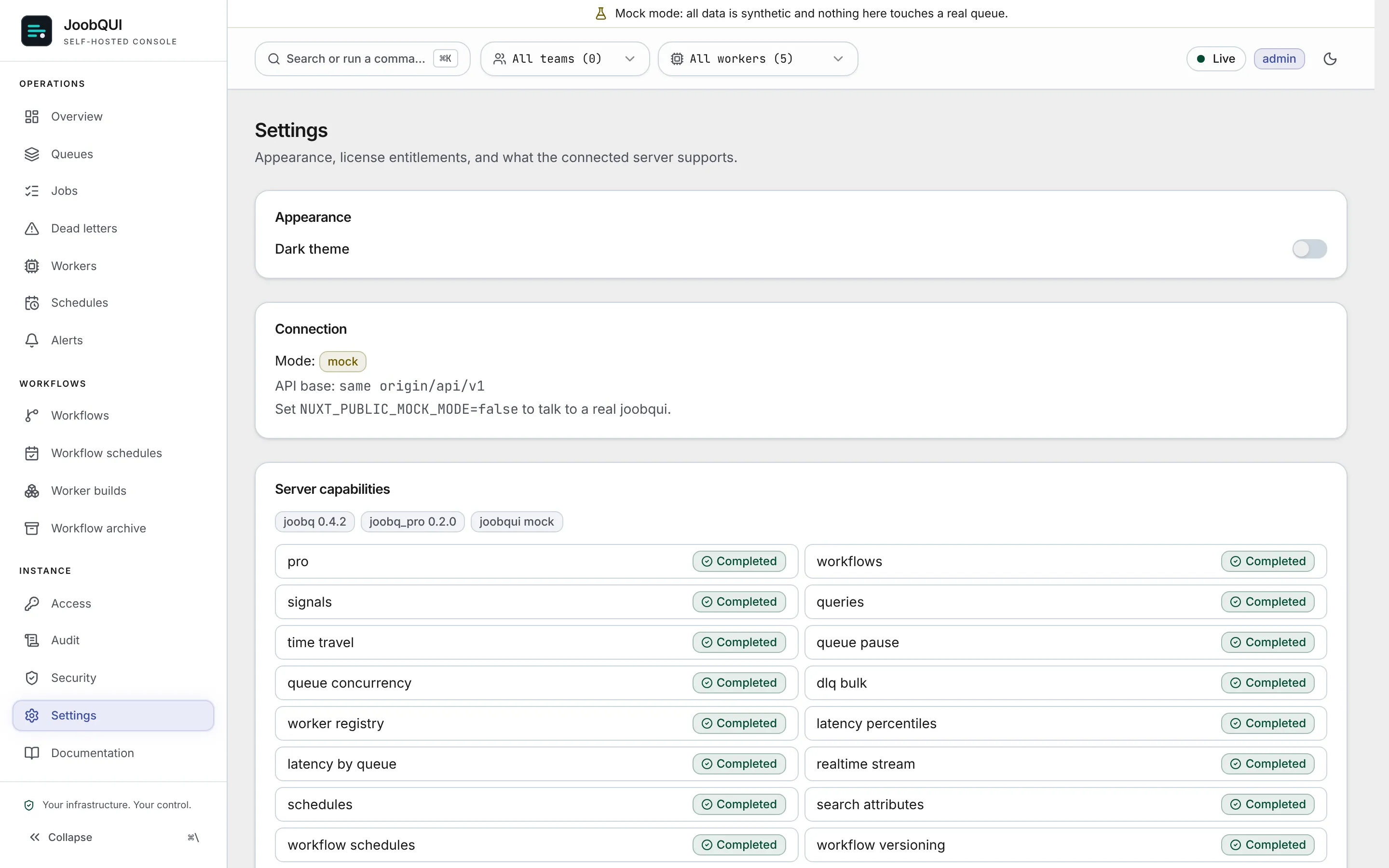
A new deployment has Pro from its first start: when the server has no Pro key yet, it checks in with the portal before it starts its Pro features (it waits up to 10 seconds; when the portal answers later the web process starts without Pro until it is restarted, while workers pick the key up by themselves). If Pro is bought after the server started, restart the web process once; --worker processes pick the paid key up by themselves within a minute. A trial key set by hand is read when a process starts, so restart the processes you set it on. GET /api/v1/capabilities shows features.pro: true once Pro is on.
| Kind of Pro key | Where it runs | How long |
|---|---|---|
| Paid | the licensed deployment it was issued to | 8 days by default (it was 30), never past the paid period plus 7 days; renewed with each check-in. A server that cannot reach the portal loses Pro after 8 days |
| Trial | the deployments of the organization it was issued to | 14 days, once per organization |
The trial key comes from Start 14-day trial on the portal's Deployments & licensing page. There are no free or developer Pro keys: the free offering is the open-source JoobQ Core library. When the deployment is unpaid or its Pro entitlement is revoked, the server drops its Pro key and the next start comes up without Pro. Core keeps working throughout.
Several instances of one server
Replicas and blue/green deploys of one server share its licence, and must share its data volume. Every process on one volume reports the same installation, so restarts and replicas count once. Each tier expects a number of installations running at the same time (Starter 2, Team 5, Enterprise any); more than that, seen on two check-ins in a row, is shown on the portal's licensing page and mailed to your admins once a day. Check-ins are not refused. If your deployment needs more instances, ask us to raise the limit.